Insights
The Best WordPress Proposal Plugin in 2026 (I Tried the Alternatives — Then Built My Own)
If you run a freelance business or small agency on WordPress, sending proposals is one of those things that should be simple but somehow isn’t.
Most of us start the same way — a PDF template, a few tweaks, exported and emailed. It works until it doesn’t. Clients lose the attachment, you lose track of whether they’ve opened it, and chasing a response means another email thread you have to manage manually.
So you look at tools. And there are plenty of them.
The SaaS trap
The obvious options are tools like Proposify, HoneyBook, PandaDoc, and Dubsado. They’re polished, well-marketed, and genuinely good products. They’re also expensive, and more importantly for WordPress users — they’re completely separate from everything else you use.
Proposify starts at around $49/month. HoneyBook is around $16/month but bundles a lot of features you may not need. PandaDoc has a free tier but payment collection requires a paid plan. All of them store your client data on their servers, not yours.
For a WordPress freelancer who already has a site, a hosting plan, and a preference for owning their own data, paying a monthly SaaS fee to a third party for a proposal tool has always felt like the wrong answer.
The pitch from these tools is that they handle everything in one place. But they replace one fragmentation problem with another — now your proposals live in Proposify, your invoices might be in FreeAgent or Wave, your project communication is in email, and your WordPress site is just where you do the actual work. Nothing talks to anything else.
What about WordPress-native options?
There are a handful of WordPress plugins that handle proposals, but most are narrow in scope — they cover proposal creation and not much else. If you want to collect a payment after a proposal is accepted, you’re adding another plugin. If you want clients to access their files or approve deliverables, you’re adding another one again.
I spent a long time looking for something that handled the full workflow — proposal to payment to project delivery — inside WordPress. I couldn’t find it. So I built it.
Client Octopus
Client Octopus is a WordPress plugin I built specifically for freelancers and agencies who want to manage their entire client workflow without leaving WordPress or paying for a stack of separate SaaS tools.
Here’s what it covers:
Proposals — a guided builder that walks you through creating a professional proposal with dynamic pricing, VAT, discounts, and deposit options. Clients get a secure private link, no login required. When they’re ready to accept, they e-sign directly on the page.
Invoices — standalone invoices that aren’t tied to a proposal. Auto-numbered, with line items, VAT, and discount support. Free plan clients can manually mark as paid; Pro plan clients get a Stripe Pay Now button on the invoice page.
Stripe payments — on the Pro and Agency plans, clients can pay proposals and invoices directly via Stripe Checkout. The payment is tracked inside WordPress automatically.
Automated notifications — emails go out at every stage without you lifting a finger. Proposal sent, viewed, accepted, paid, invoice sent, payment received, overdue reminders. No more manually chasing clients.
Client portal — on Pro and Agency plans, clients get a branded portal hosted on your own domain with magic-link login. They can view proposals, check payment history, and on the Agency plan, access project files, messages, and approval workflows.
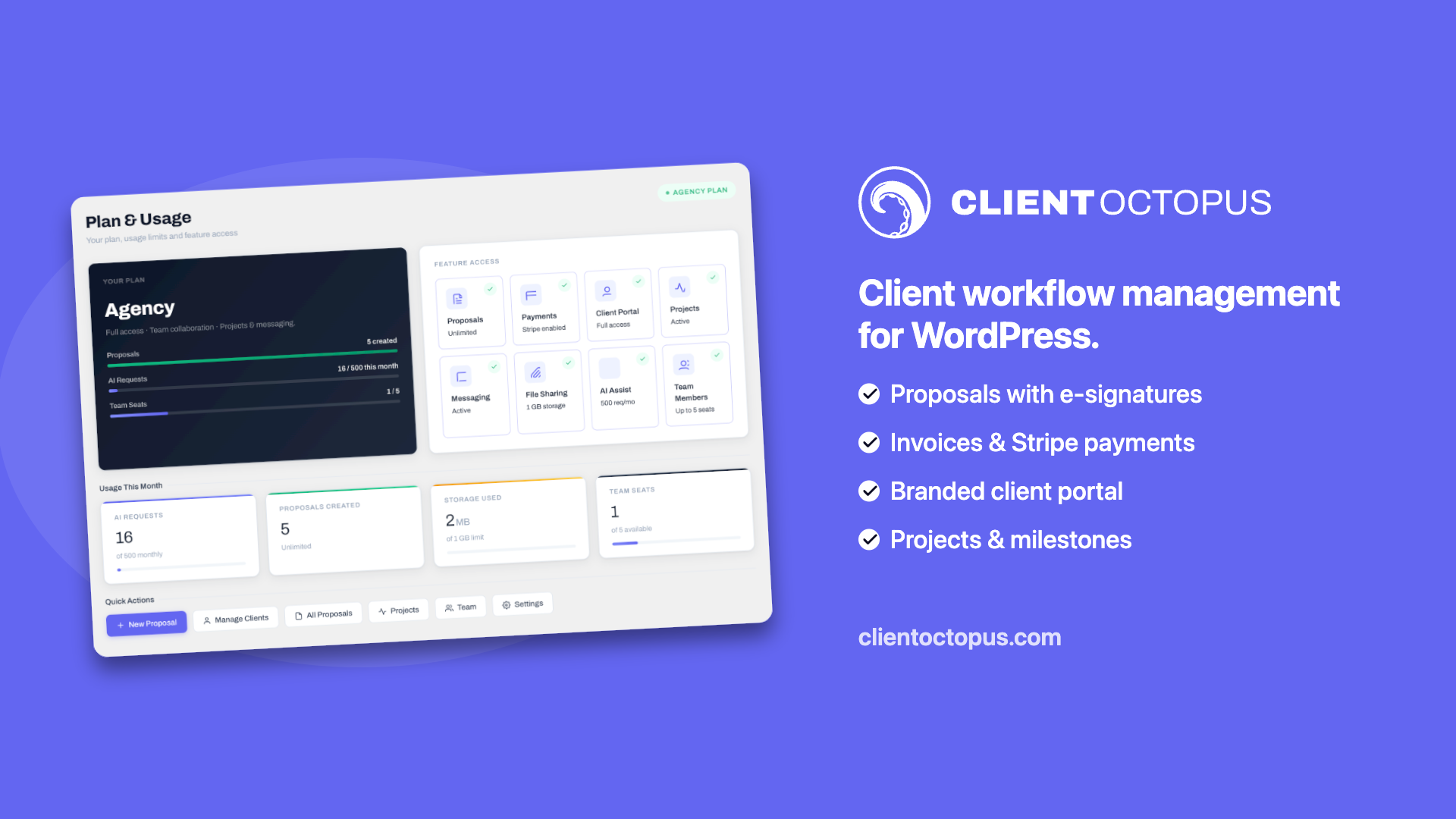
Projects — the Agency plan includes project and milestone management, client messaging, file uploads, and approval workflows, all linked to the original proposal.
The free plan covers proposals, invoices, e-signatures, and automated reminders — which is more than most paid tools offer at entry level.
It’s available free on WordPress.org.
How it compares
For a WordPress freelancer the comparison is straightforward. Proposify starts at $49 a month and doesn’t include invoicing or a client portal. HoneyBook is cheaper at around $16 a month but is a closed SaaS platform with no WordPress integration and your data lives on their servers. Neither has a free plan worth mentioning.
Client Octopus starts free, is self-hosted inside WordPress, includes invoices on the free plan, and adds a branded client portal on the Pro plan at $9.99 a month. The fundamental difference is that you own the data and the platform rather than renting access to someone else’s.
Honest limitations
Client Octopus launched in July 2026 and is very much in its early days. It doesn’t yet have payment plans or instalment options, a PDF export for invoices, or integrations with accounting tools like Xero or QuickBooks. These are on the roadmap but not there yet.
If you want to see what’s coming, there’s a public roadmap.
It also has no user reviews yet — it’s too new. If you need the reassurance of a proven tool with thousands of users, a more established SaaS option might be the safer choice for now. But if you’re an early adopter who wants a self-hosted WordPress-native workflow and is happy to be using something at the ground floor, this is the right time to try it.
Getting started
The free plan is a genuine free plan — not a trial, not a limited demo. You can install it, create proposals, send invoices, and collect e-signatures without entering a payment card.
Install Client Octopus free from WordPress.org.
If you try it and have questions or feedback, I’d genuinely like to hear it — this is something I’m actively building and real-world usage is the most useful input I can get.